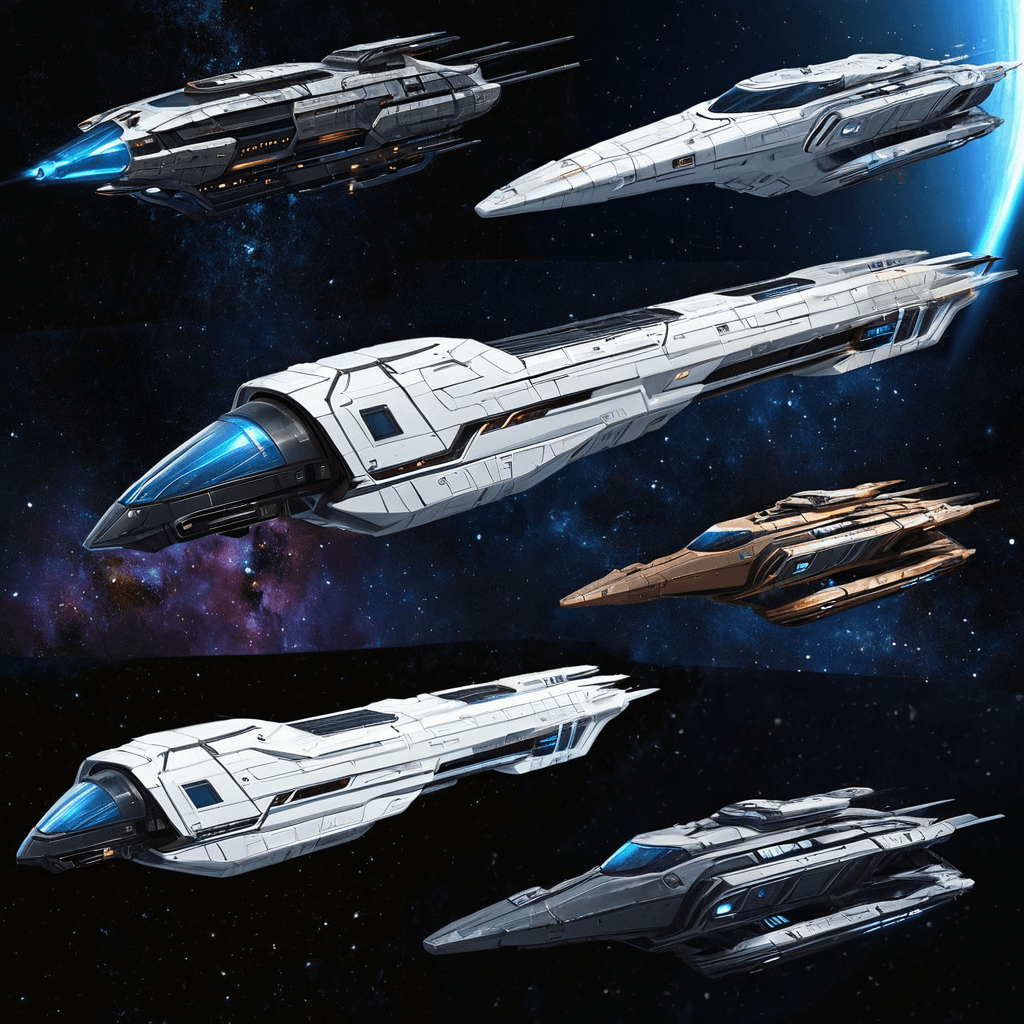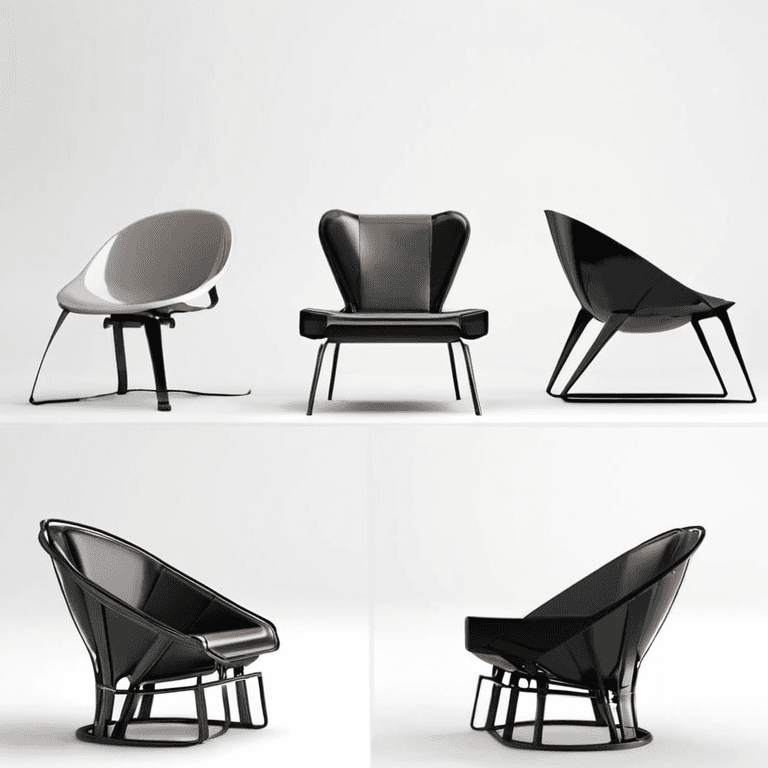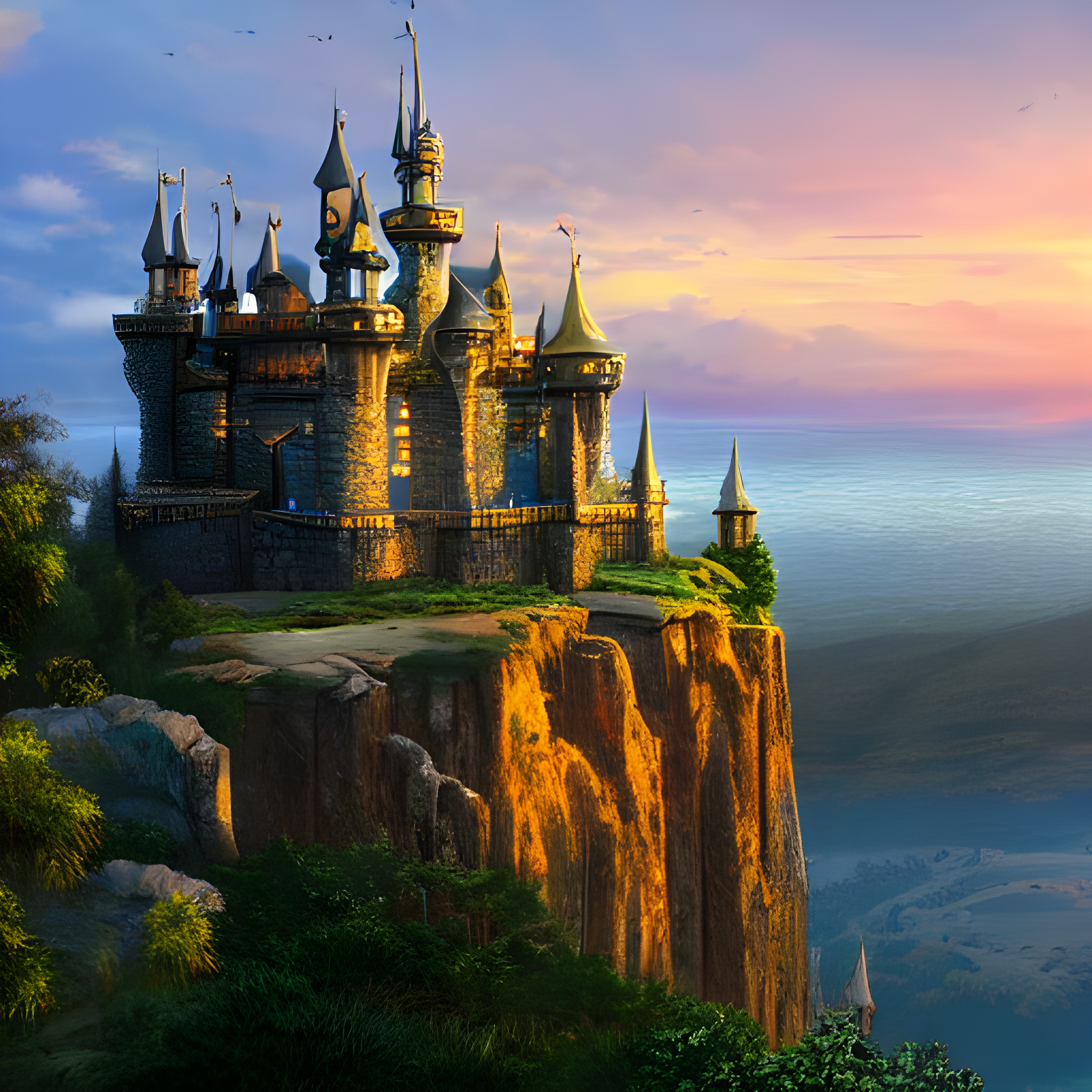
Stable Diffusion 1.5 Default
Learn the core ComfyUI image pipeline with Stable Diffusion 1.5 at 512 × 512.
TESTED on NVIDIA GeForce RTX 5080 - UNCLASSIFIED
v1-5-pruned-emaonly-fp16.safetensors
Setup & downloadLOCAL AI, A CLEAR STARTING POINT
Explore image, video, and audio workflows with clear hardware requirements, setup instructions, and troubleshooting guidance.
50 workflows · 21 guides · JSON downloads without an account
BEST PLACE TO START
Learn the core ComfyUI image pipeline with Stable Diffusion 1.5 at 512 × 512.
TESTED on NVIDIA GeForce RTX 5080 - UNCLASSIFIED
v1-5-pruned-emaonly-fp16.safetensors
Setup & downloadUpscale an input image with the Real-ESRGAN x4plus model.
TESTED on NVIDIA GeForce RTX 5080 - UNCLASSIFIED
RealESRGAN_x4plus.pth
Setup & downloadGenerate images from text with Flux.1 Dev using separate diffusion, text encoder and VAE loaders.
TESTED on NVIDIA GeForce RTX 5080 - UNCLASSIFIED
flux1-dev.safetensors
Setup & downloadVERIFICATION STANDARDS
Unlike indexes that scrape unverified graphs, NeuralDrift evaluates compatibility through a rigorous 5-level hierarchy. 37 workflows have recorded physical execution tests; the others are marked with conservative catalog estimates.
Downloadable JSON is structurally valid with intact node bindings and no syntax corruption.
Internal links, inputs, and outputs form a complete, cyclic-free execution DAG.
All models, diffusion weights, VAEs, and custom nodes inventoried with exact filenames.
Loads into an active ComfyUI environment without red missing-node alerts.
Completes a physical hardware run, producing an inspectable output artifact.
EXECUTION-TESTED
Reinterpret a sketch using SDXL image-to-image sampling. This graph does not include ControlNet.
TESTED on NVIDIA GeForce RTX 5080 - UNCLASSIFIED
sd_xl_base_1.0.safetensors
Setup & downloadFill a masked region with an SD 1.5 inpainting model and a descriptive prompt.
TESTED on NVIDIA GeForce RTX 5080 - UNCLASSIFIED
sd-v1-5-inpainting.ckpt
Setup & downloadGenerate a batch of four SDXL images at 1024 × 1024.
TESTED on NVIDIA GeForce RTX 5080 - UNCLASSIFIED
sd_xl_base_1.0.safetensors
Setup & downloadIMAGE GENERATION
Explore a four-step Flux.1 Schnell text-to-image graph with separate model loaders.
ESTIMATED 8 GB VRAM
flux1-schnell.safetensors
Setup & downloadGenerate eight SDXL variations at 768 × 768. Images are saved individually.
TESTED on NVIDIA GeForce RTX 5080 - UNCLASSIFIED
sd_xl_base_1.0.safetensors
Setup & downloadGenerate an SDXL image with a base pass followed by a refiner pass.
ESTIMATED 8 GB VRAM
sd_xl_refiner_1.0.safetensors
Setup & downloadIMAGE EDITING & CONTROL
Transform an input image using SDXL image-to-image sampling.
TESTED on NVIDIA GeForce RTX 5080 - UNCLASSIFIED
sd_xl_base_1.0.safetensors
Setup & downloadUse a masked input image with SDXL inpainting. Prepare the mask before running.
TESTED on NVIDIA GeForce RTX 5080 - UNCLASSIFIED
sd_xl_base_1.0.safetensors
Setup & downloadGuide SDXL generation with a prepared Canny edge image and matching ControlNet.
TESTED on NVIDIA GeForce RTX 5080 - UNCLASSIFIED
sd_xl_base_1.0.safetensors
Setup & downloadUPSCALING & ENHANCEMENT
Upscale an input image with the Real-ESRGAN x4plus model.
TESTED on NVIDIA GeForce RTX 5080 - UNCLASSIFIED
RealESRGAN_x4plus.pth
Setup & downloadGeneral 4x model-based spatial upscaling using Real-ESRGAN for photographic and digital images.
TESTED on NVIDIA GeForce RTX 5080 - UNCLASSIFIED
RealESRGAN_x4plus.pth
Setup & downloadVIDEO & ANIMATION
Generate a short AnimateDiff sequence with ambient motion from a text prompt.
TESTED on NVIDIA GeForce RTX 5080 - UNCLASSIFIED
realisticVisionV60B1_v60B1VAE.safetensors
Setup & downloadExplore a short AnimateDiff sequence with a loop-oriented prompt. A seamless loop is not guaranteed.
TESTED on NVIDIA GeForce RTX 5080 - UNCLASSIFIED
dreamshaper_8.safetensors
Setup & downloadExplore a product-rotation prompt with AnimateDiff. Exact camera rotation is not controlled.
TESTED on NVIDIA GeForce RTX 5080 - UNCLASSIFIED
deliberate_v6.safetensors
Setup & downloadAUDIO & MUSIC
Generate audio from musical tags and lyrics with the ACE Step 1.5 checkpoint graph.
TESTED on NVIDIA GeForce RTX 5080 - UNCLASSIFIED
ace_step_1.5_turbo_aio.safetensors
Setup & downloadYOUR FIRST RUN
Filter by memory, output type, model and difficulty. Review the estimate and dependencies before downloading.
Explore the catalog →Follow the setup guide, get the listed models from their sources, and check any custom nodes.
Read the installation guide →Load the JSON in ComfyUI. Keep the first run small and use the error guides if a model or node is missing.
Find troubleshooting help →GET UNSTUCK
Complete installation guide for ComfyUI on Windows, Mac, and Linux. Portable and Desktop methods with troubleshooting.
Read guide →Complete folder structure for checkpoints, LoRAs, VAEs, and ControlNet
Read guide →Solve node not found, black images, and type mismatches
Read guide →